E-Linangan
A Filipino AP 8 e-learning platform that turns the Middle Ages into an interactive browser-based learning journey. It combines guided lessons, multimedia content, timed quizzes, and role-based progress tracking so students, teachers, and admins can follow outcomes in one system.
Core Objectives
Onboarding & Access

Visitor/Login Choice
The home screen lets users continue as a guest or log in so progress can be saved to an account.
Tutorial Carousel
Separate large-screen and small-screen walkthrough flows help first-time users understand how to use the site.
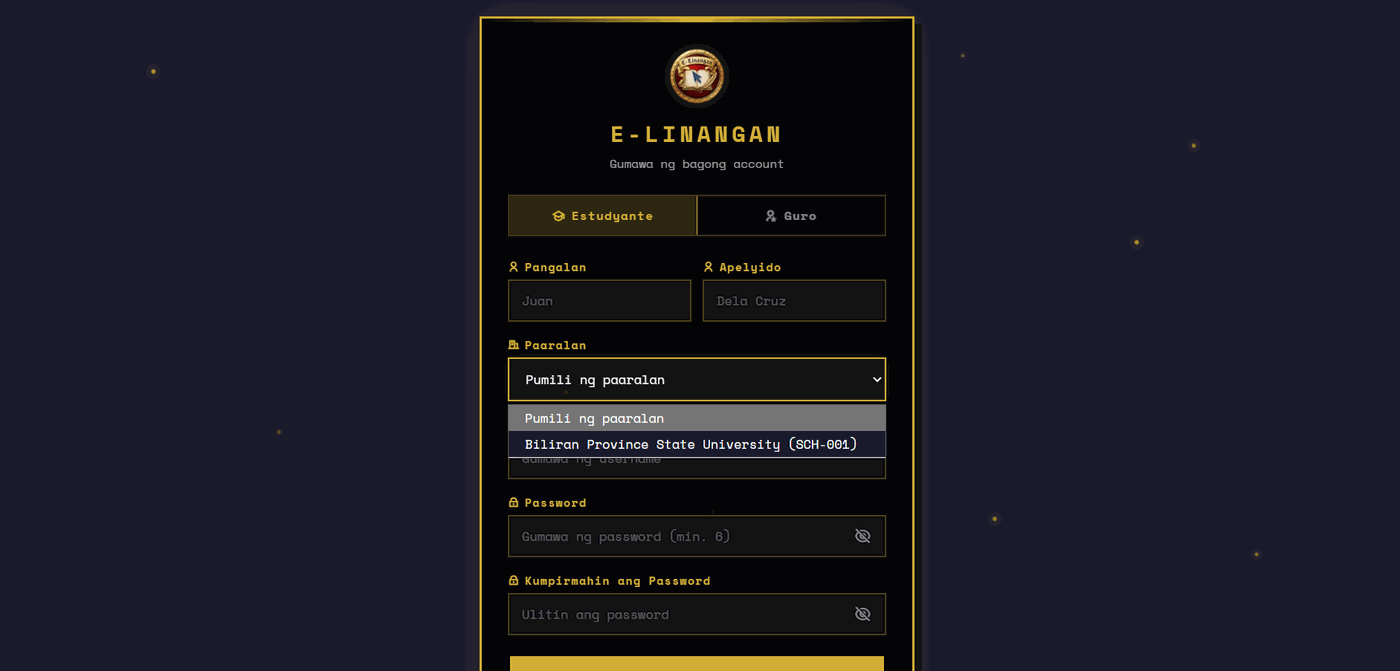
School-Based Registration
New student and teacher accounts must choose a school from the API-populated dropdown before registration.
Role-Aware Navigation
The shared auth utility swaps the nav bar between login and profile state based on the current JWT session.
Lesson Journey
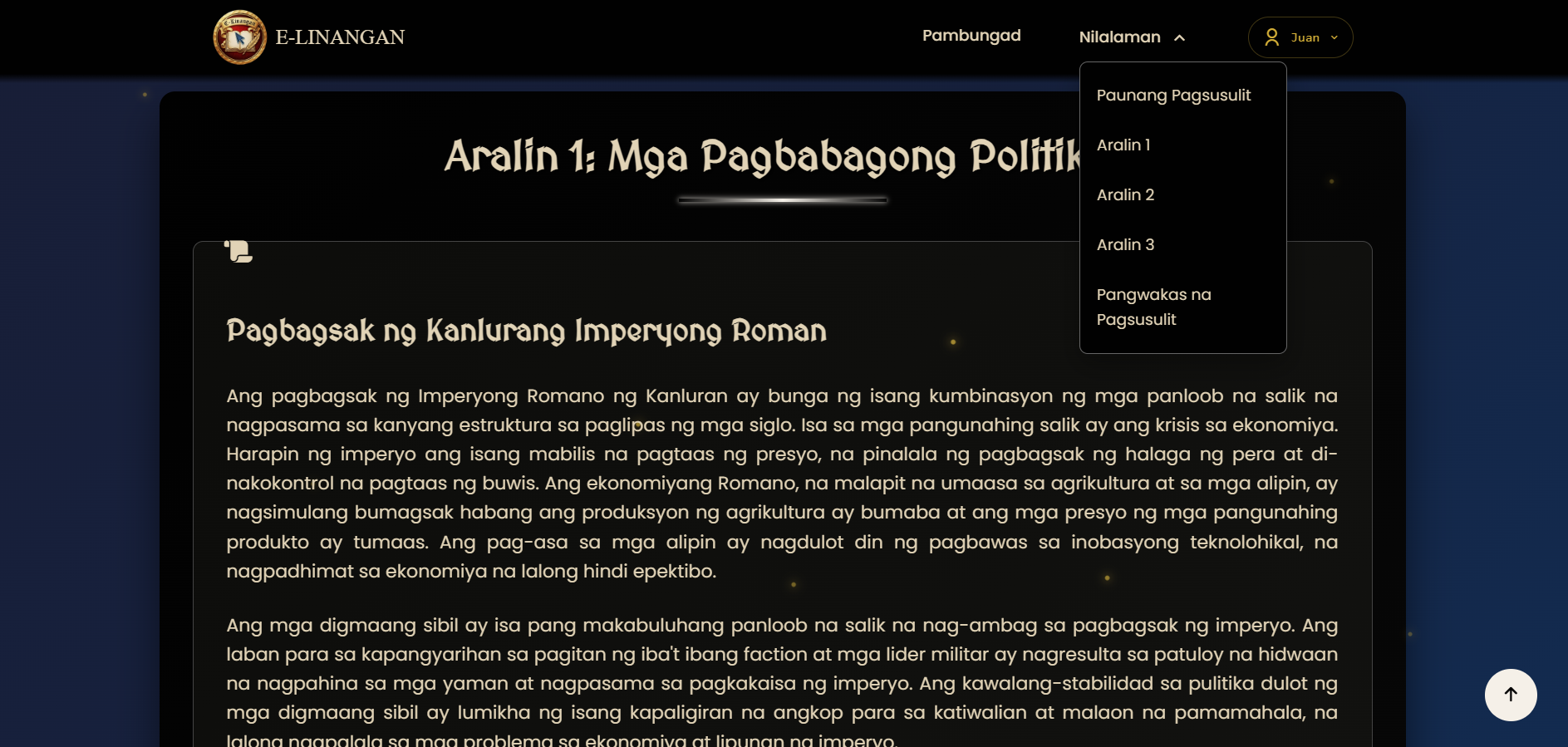
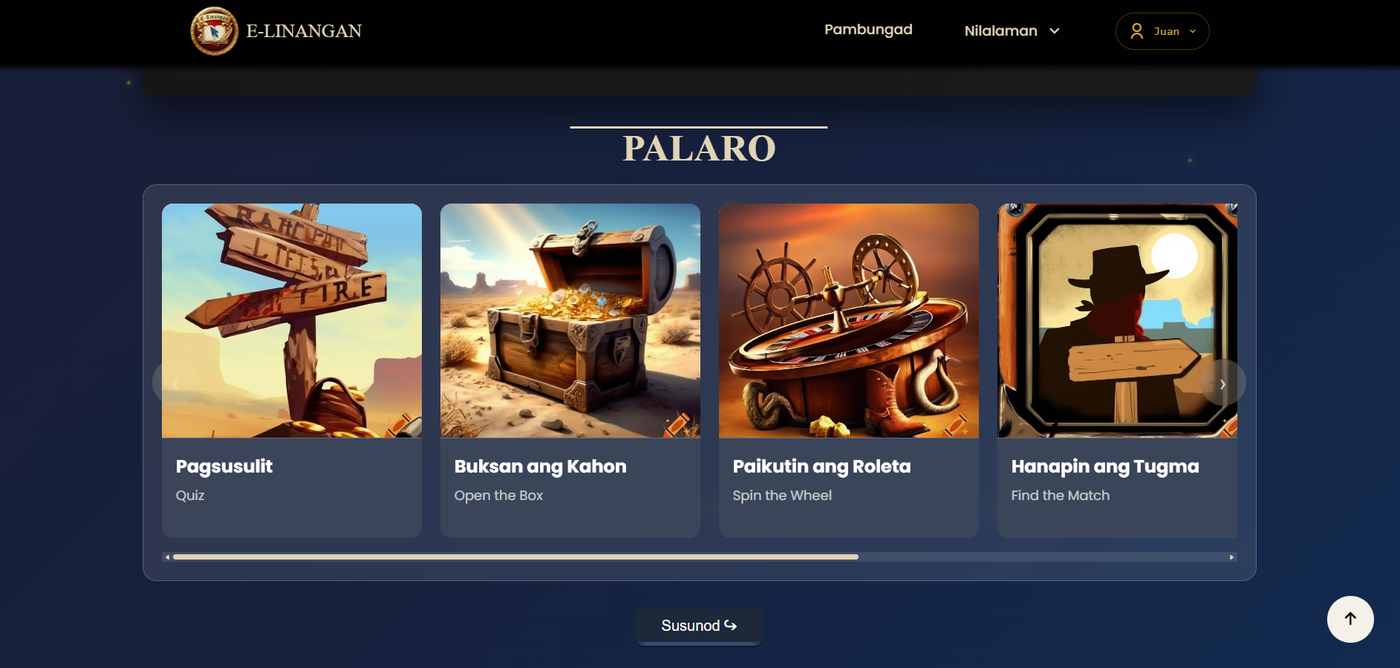
Guided Module Navigation
The header links move users through Pambungad, lessons, and quizzes while highlighting the current lesson state.
Multimedia Lessons
Lesson pages mix text with YouTube embeds, images, and sound effects to keep the content more immersive.
Historical Popups
Interactive popups surface extra background on key figures and concepts without forcing users to leave the lesson.
Progress Hooks
Lesson start and completion events can be recorded through the progress API so student activity is stored per lesson.
Assessment, Results & Oversight
Timed Pretest
The pre-assessment is a 10-question timed quiz with audio feedback, progress indicators, and rank-based feedback.
Final Quiz
The post-assessment presents a larger 30-question evaluation and records the learner’s first submitted score only.
Results Comparison
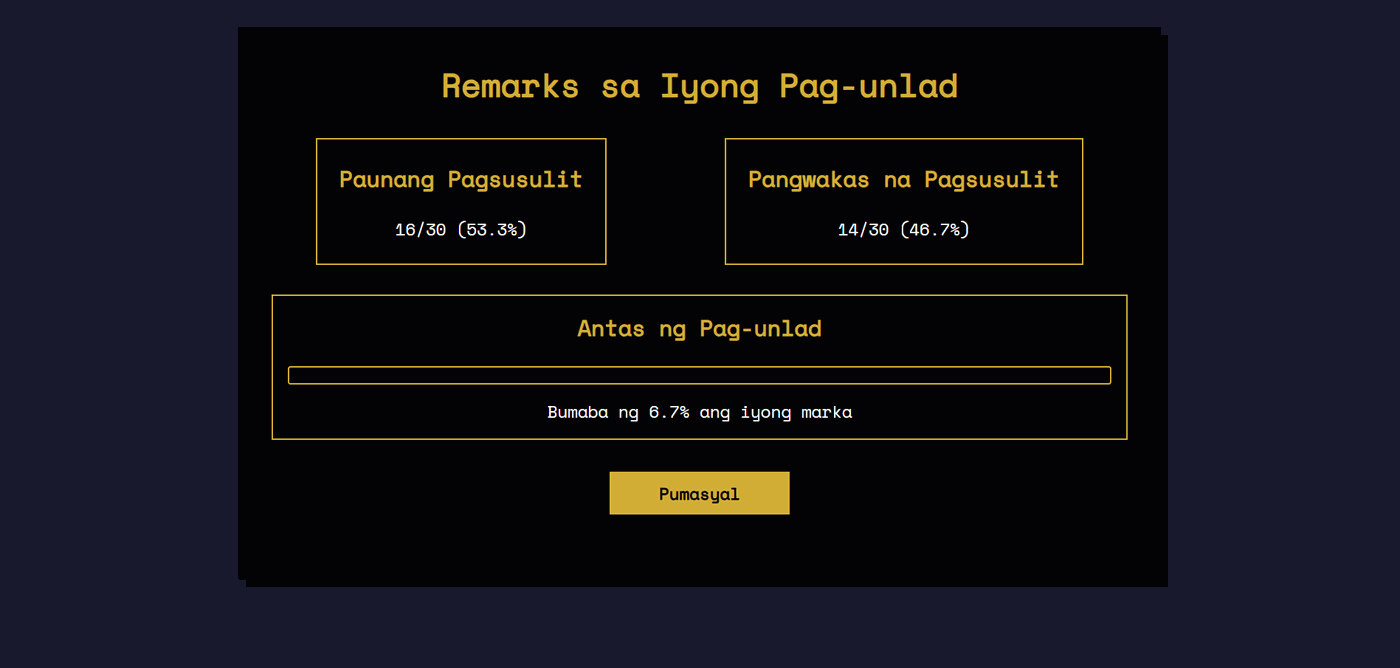
The remarks page compares pre-test and post-test scores, calculates improvement, and shows celebratory or disappointing effects.
Teacher/Admin Dashboards
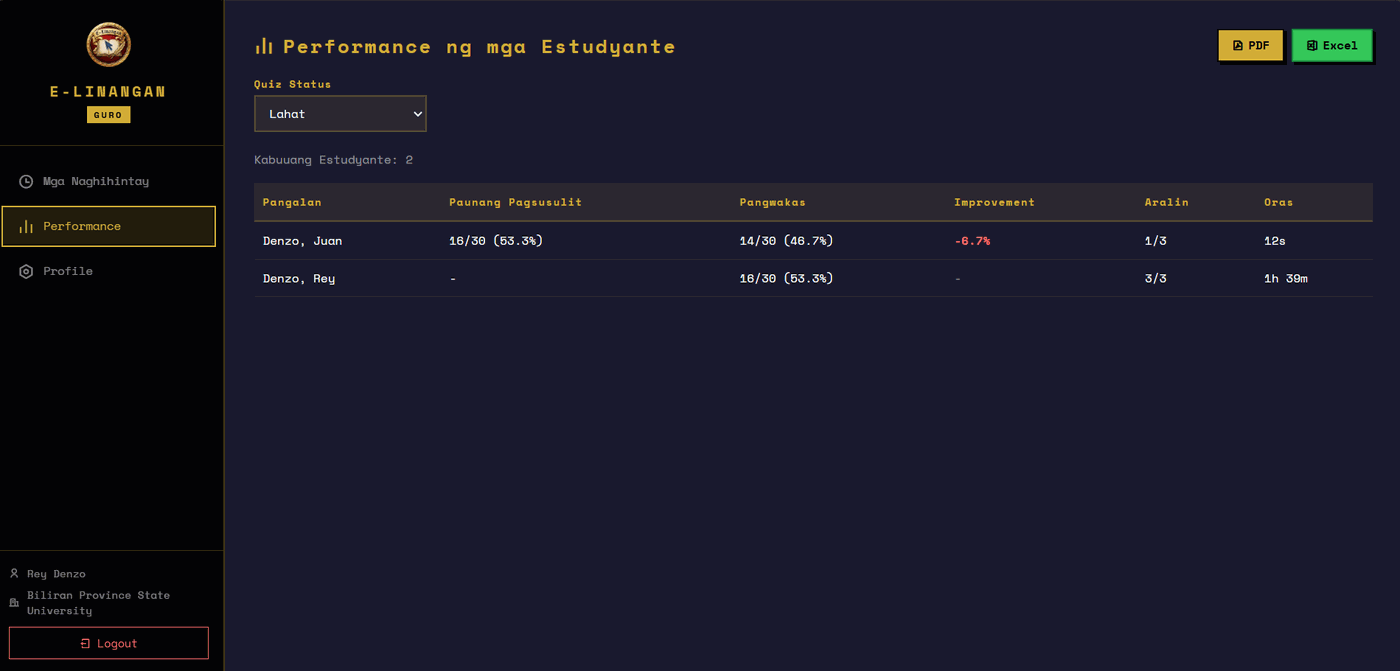
Teachers can review student performance and exports, while admins manage schools, users, and approval workflows.
Architecture & Processing Flow
1. The user opens the landing page and chooses to continue as a visitor or log in.
2. AUTH checks the JWT session, renders the correct nav state, and redirects
users by role when needed.
3. Registration and login go through the Express auth API, which validates credentials,
school membership, and approval status.
4. Lesson pages load static content plus media, then record lesson start and completion
through the progress endpoints.
5. Pre-test and final quiz scripts calculate the score, store it in
localStorage, and submit it once to /api/scores for logged-in
students.
6. The remarks and dashboard views pull stored quiz and progress data from MongoDB, with
localStorage as a fallback for learner-facing summaries.
The backend is built around a clean role-based API pattern. JWT middleware verifies every
protected request, while requireRole() enforces access for admin, teacher, and
student routes. MongoDB schemas are structured to avoid duplicate records: scores are unique
per student and quiz type, and lesson progress is unique per student and lesson. The
progress routes use upserts, which makes lesson start and completion calls idempotent and
safe to repeat from the client.
On the front end, js-files/auth.js acts as the shared session and API layer. It
auto-detects the correct backend base URL for local versus deployed environments, injects
the bearer token, and centralizes login, logout, and role-based redirects. The app also uses
a hybrid persistence strategy: API storage for logged-in users and localStorage
fallback for offline-friendly result display. That design keeps the learning flow
lightweight and static-page friendly while still supporting structured classroom data and
reporting.
Project Impact
E-Linangan reshapes the remote learning experience by transforming static educational modules into a highly interactive, gamified journey. By integrating progress tracking and game mechanics directly into the lesson flow, it solves the chronic problem of student disengagement and high drop-off rates in online courses.
For educators and platform administrators, the system acts as a powerful behavioral retention tool. Real-time dashboards provide deep insights into student participation and completion metrics, allowing instructors to identify struggling learners and optimize course materials driven by actual engagement data.
Ultimately, E-Linangan creates a much more motivating and rewarding educational ecosystem. By proving that learning can be both rigorous and deeply engaging, the platform establishes a modern standard for educational tools that prioritize student motivation and measurable academic success.